Convert a rotary phone for cellular service.
Build the electronics, prepare the wiring, load the firmware and install RotaryCell in a Western Electric 500-series telephone.
Start with materials →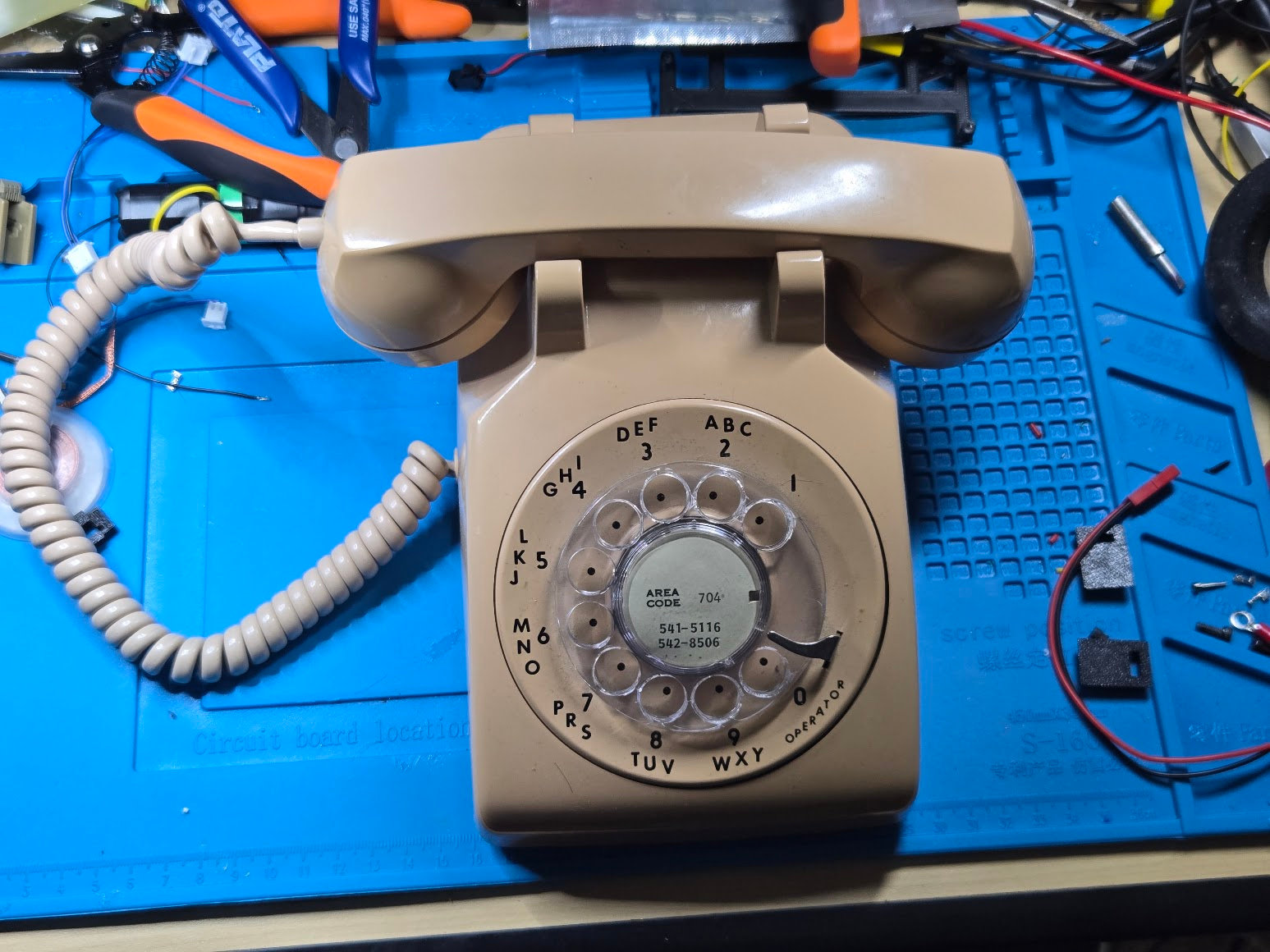 A completed RotaryCell conversion
Experience expected
This is not an introductory electronics project. You should be comfortable soldering and desoldering, crimping small contacts, following pinouts and checking your work with a multimeter.
Several phones, one guide
The photographs were taken across several builds. Shell colors, network blocks, original wiring and routing vary. Follow labels and written connections; use the photos for orientation and clearance. Wire colors only matter where the text assigns them a function.
Build sequence
Follow the project in order from sourcing through the first call. Preparing the LilyGO contains nearly all of the fine soldering and accounts for roughly 80% of the hands-on assembly. The work becomes much more straightforward after that stage.
The guide follows the LilyGO controller, Audio/Reset A4 board and AG1171 carrier installed in a Western Electric Model 500 telephone.